


Boom display area
In the boom display you find the following information:
- ▪
- Number of sections
- ▪
- Which sections are preselected or switched off
- ▪
- Which sections are applying
Illustration
The diagrams below show how the sections may appear in the boom display area:
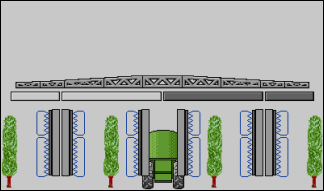
Sections 1 and 2 are closed and deactivated.
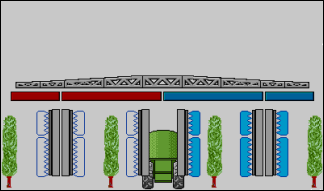
Sections 1 and 2 are closed. All of the other sections are open and spraying.
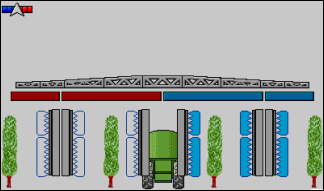
When SECTION-Control is activated, the blue-red SECTION-Control icon also appears.
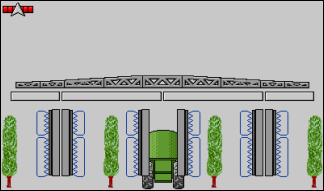
When SECTION-Control is not possible, this icon is red.
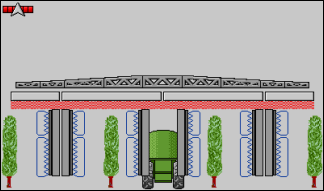
When SECTION-Control is active, but the implement is standing still and all of the sections are off, a red flickering appears under the sections.
Each rectangle corresponds to a section valve.
Section status


When the sections are automatically switched using SECTION-Control, you have to ensure that the sections are not deactivated using an S-Box or a joystick. In this case, the section would be marked with a red cross and remain closed.
Section status with SECTION-Control and with S-Box

