


Calibrating the speed sensor
When calibrating the speed sensor, you determine the number of pulses sent by the sensor over a distance of 100m.
If the number of pulses is known, the terminal can calculate the current speed and transmit it to the connected job computer.
Procedure
To calibrate the speed sensor:
- þ
- The terminal is connected to the tractor signal socket.
- þ
- In the "" parameter, the "" value is selected.
- 1.
- Measure and mark a distance of 100 m. The ground must correspond to the field conditions. The distance should therefore lead over a meadow or a field.
- 2.
- Position the vehicle with connected implement at the beginning of the marked distance.
 >
 - Open the vehicle screen.
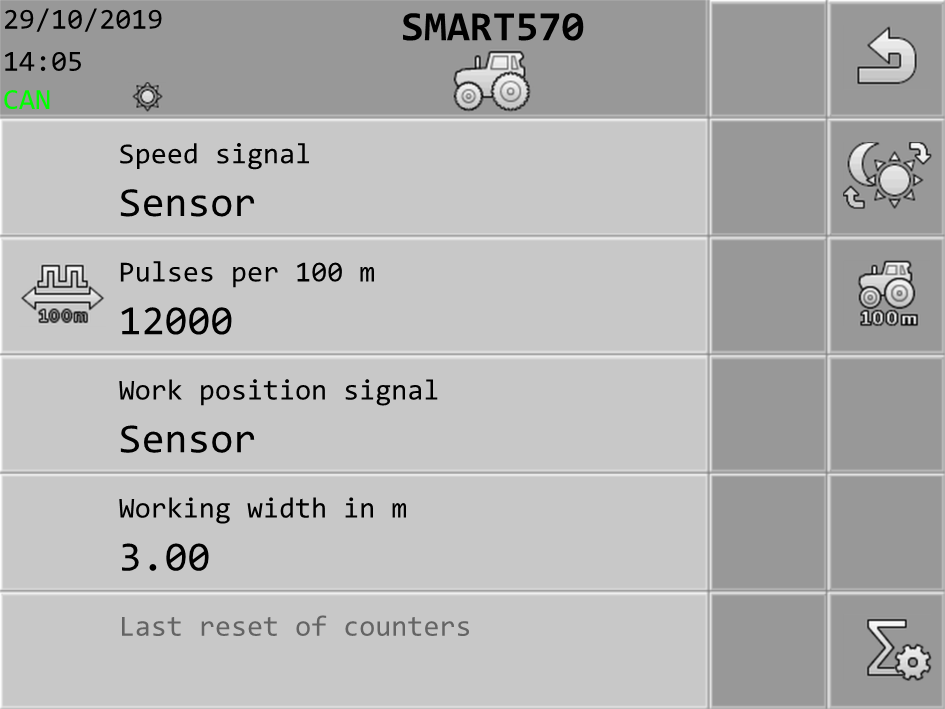
 - Open the calibration screen.
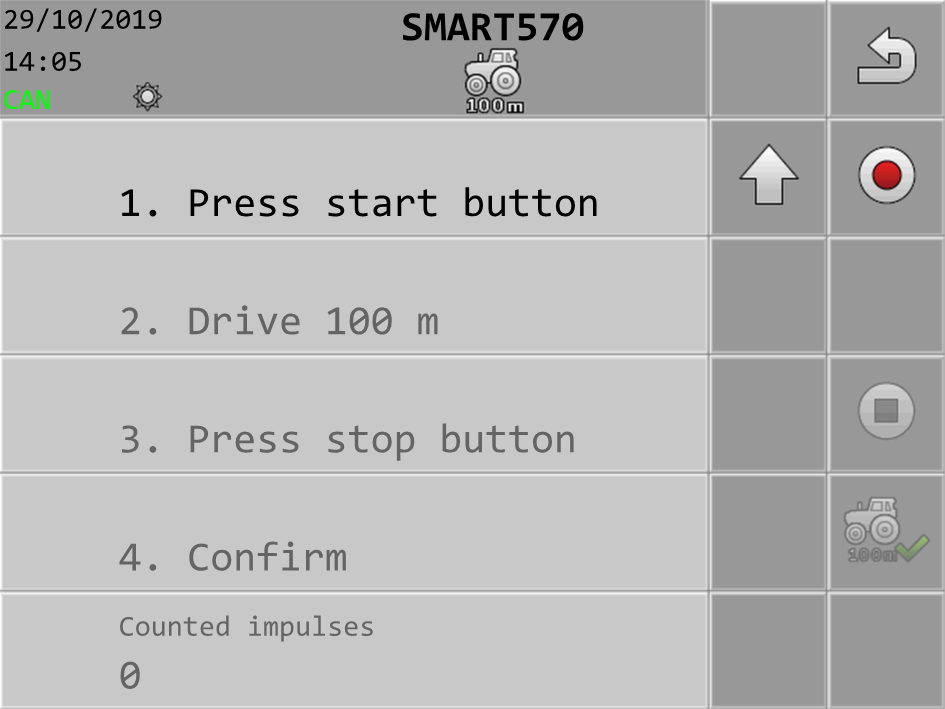
 - Start the calibration.
- 6.
- Drive straight ahead over the marked distance.
- 7.
- Stop after 100 m.
 - Terminate the calibration.
- ⇨
- The number of impulses appears on the “” line.
 - Save the result.
- ⇨
- You have calibrated the speed sensor.