

Configuration of the terminal
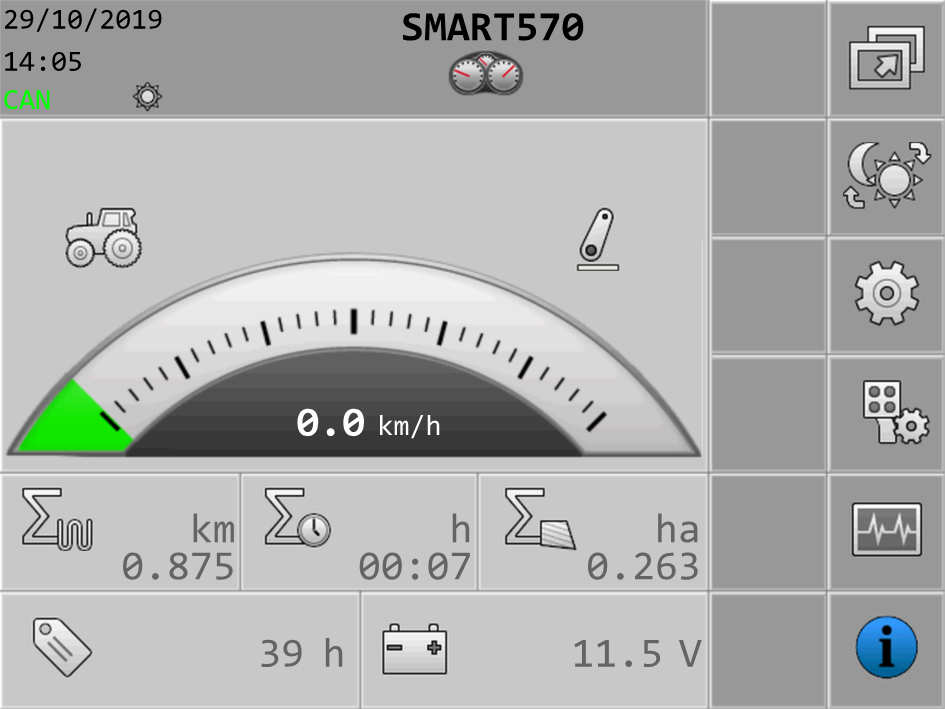
From the start screen of the terminal, you can configure different terminal parameters and functions.
The individual parameters can be configured at several points.
If parameters are greyed out, they cannot be changed. They only serve as information.
Procedure
 - Start the terminal.
Further information