


Initial start-up
Procedure
This is how you start the terminal for the first time:
- þ
- You have mounted and connected the terminal.
 - Switch on the terminal.
- 2.
- Wait for approx. 15 seconds until all applications have been loaded.
 - Open the "Selection menu" application.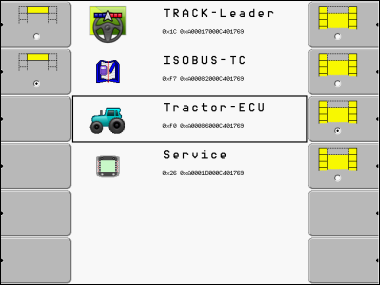
- 4.
- In the selection menu you can select which application you wish to display next.
 - Select the "Service" line. The "Service" line must be framed by a black square:
 - Click on the "Service" line.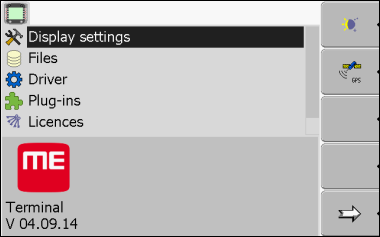
- ⇨
- You have opened the "Service" application.