


Boom display area
In the boom display you find the following information:
- ▪
- Number of sections
- ▪
- Which sections are preselected or switched off
- ▪
- Which sections are applying
Illustration
The diagrams below show how the sections may appear in the boom display area:
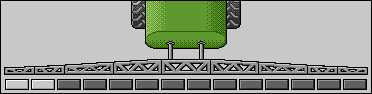
Sections 1 and 2 are closed and deactivated.
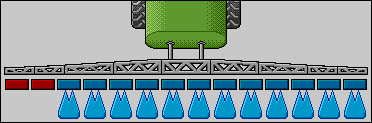
Sections 1 and 2 are closed. All of the other sections are open and spraying.
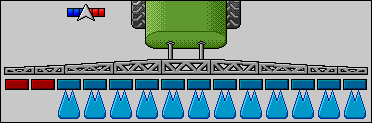
When SECTION-Control is activated, the SECTION-Control icon also appears.
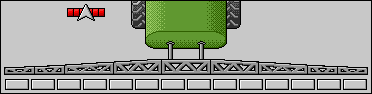
If SECTION-Control is not possible, the colour of the SECTION-Control icon changes.
Each rectangle corresponds to a section valve.
Section status


When the sections are automatically switched using SECTION-Control, you have to ensure that the sections are not deactivated using an S-Box or a joystick. In this case, the section would be marked with a red cross and remain closed.
Section status with SECTION-Control and with S-Box


Field sprayers with EDS (single nozzle switching) do not have section valves. One section consists of multiple nozzles that are switched by EDS modules. The section icon is divided into several segments. Each segment represents one nozzle.
Section status with EDS
