

Operating job computer on the field Tank fillingFilling up the tank manually without additional systems
Tank fillingFilling up the tank manually without additional systemsFilling up the tank manually without additional systems
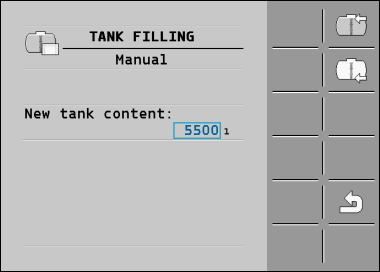
If you fill up the tank manually without any additional systems, you can enter the new tank content manually on the terminal.


Procedure
To enter the new tank content when you have completely refilled the spray liquid tank:

- 3.
- In the “New tank content ” box, enter the tank content after refilling.
- ⇨
- The new tank content appears in the work screen, in the tank data area.