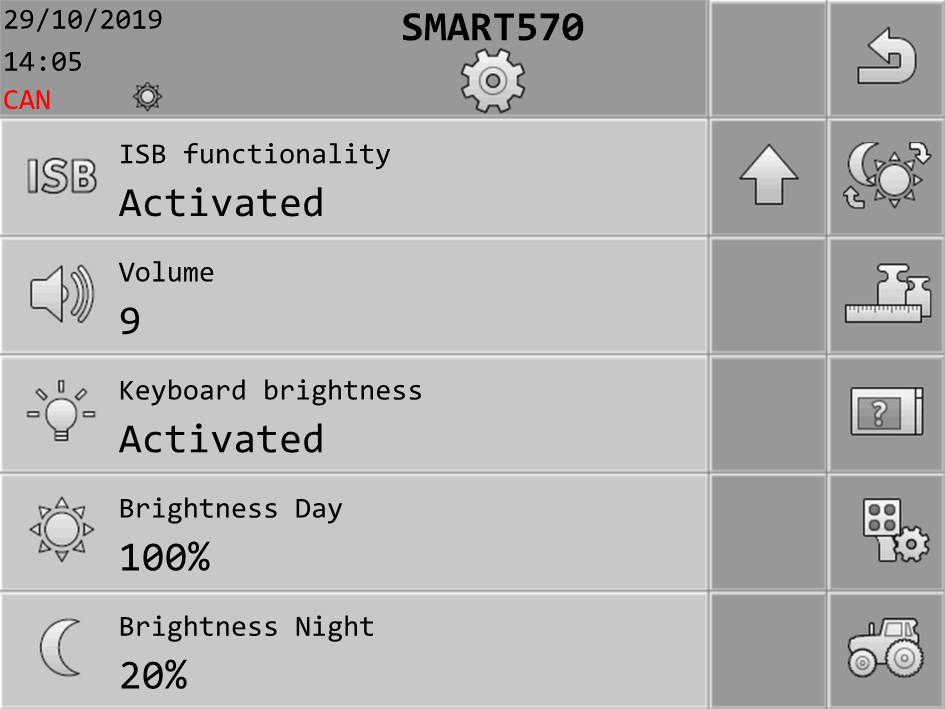
Call up a screen with adjustable parameters. For example:
2.
/ > - Select the parameter that you want to change.
3.
/ - Change the value. Please note that for text inputs or number inputs with more than 3 digits, the values can only be changed directly with the touch function of the screen



 /
 >
 - Select the parameter that you want to change.