


Initial start-up
For the initial start-up, you must switch on and configure the terminal.
Procedure
- þ
- The terminal is installed and connected to the ISOBUS.
 - Start the terminal.
- ⇨
- The terminal will now be started.
- ⇨
- Each time the terminal is started, it checks whether unknown job computers are connected to the ISOBUS. If yes, the terminal then copies the information from the job computer. This can take a little while.
- ⇨
- If a joystick or other operating device is detected, you will be requested to confirm the button assignment.
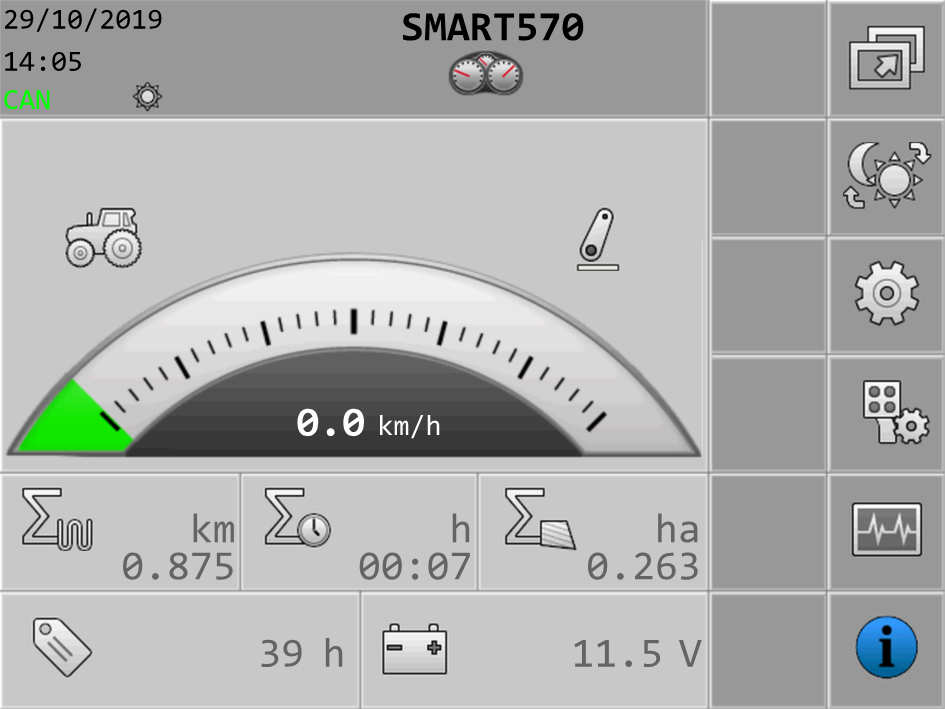
- ⇨
- You can change the system settings through this screen.
- ⇨
- You have configured the terminal.